The Universal Remote Dilemma: Why One Remote to Rule Them All Isn't Always Enough
The Allure of One Remote
As your home entertainment setup grows—adding streaming devices, gaming consoles, soundbars, and Blu-ray players—so does the pile of remote controls on your coffee table. It's a common frustration: juggling multiple remotes just to watch a movie or play a game. The universal remote promises a tidy solution: one sleek controller that handles every device. In theory, it's the perfect answer to clutter and confusion. But in practice, the reality can be far more complex, and many users find themselves disappointed.
The Hidden Complexity of Setup
Universal remotes sound straightforward, but setting them up often requires patience and technical know-how. Most models need you to either manually enter codes for each device or go through an automated learning process. Budget-friendly remotes may lack an intuitive interface, forcing you to consult lengthy manuals or trial-and-error with codes. High-end remotes with programmable buttons and macros (like the Logitech Harmony line) demand more sophisticated programming, often via a computer or smartphone app. For many users, the time investment feels like a step backward from the simplicity of original remotes.
Programming Pitfalls
Even after initial setup, problems can arise. A streaming device update might break the remote's control profile, requiring you to reprogram commands. Some devices—especially older or obscure brands—may not have their codes in the remote's database. If the universal remote lacks a learning function (the ability to learn infrared signals from the original remote), you're out of luck. This incompatibility can force you to keep the original remote handy anyway, defeating the purpose.
Compatibility Gaps and Missing Features
Universal remotes aim to replace multiple originals, but they often miss subtle yet essential features. For instance, a gaming console's remote may have special buttons for navigating the dashboard or launching apps, which a universal remote can't replicate. Many smart TV remotes include voice search or dedicated streaming buttons—features that generic universal remotes rarely match. Similarly, AV receivers often require multiple button presses for inputs or surround sound modes, which a universal remote may not map correctly.
Bluetooth and Radio Frequency Challenges
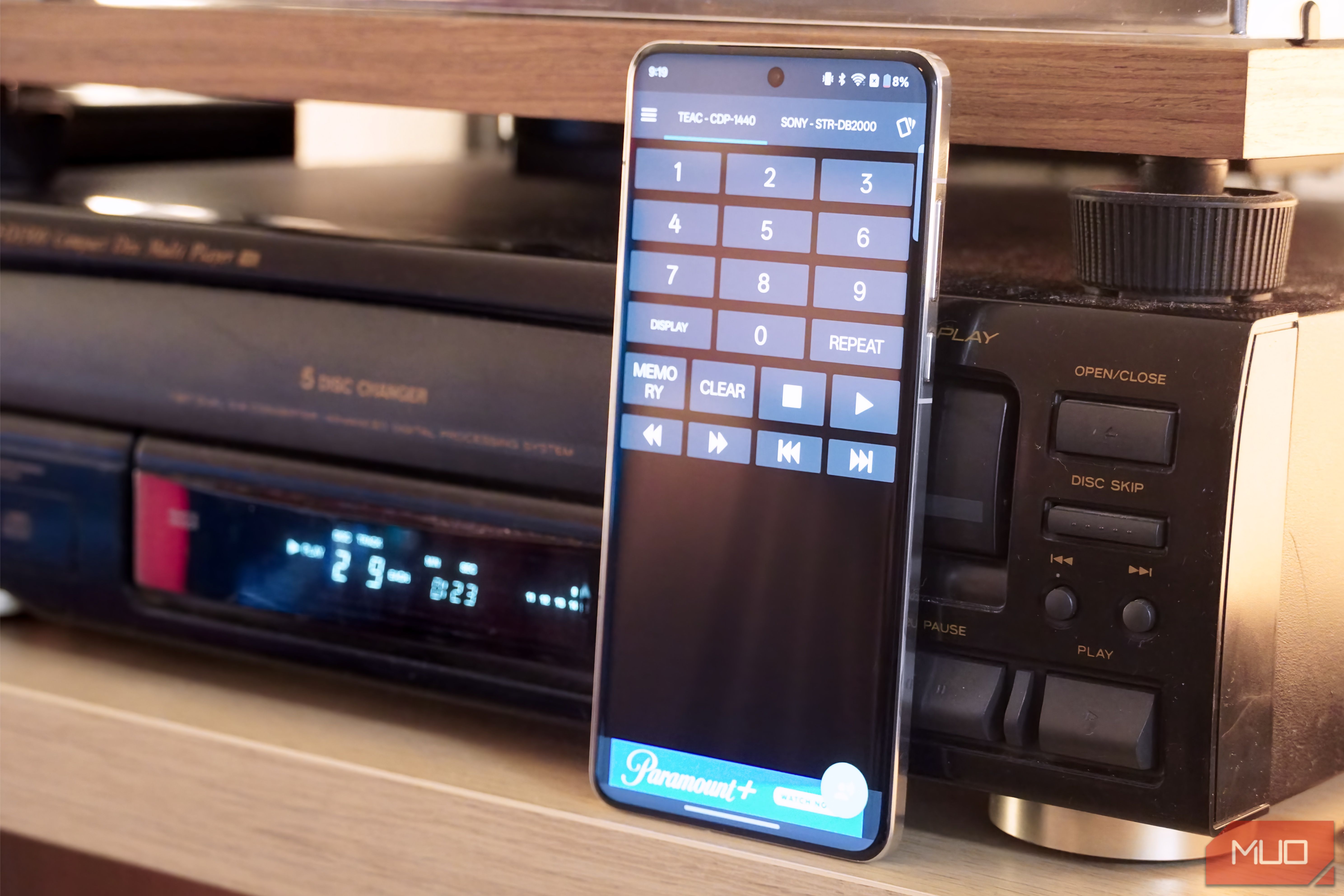
Newer devices increasingly use Bluetooth, Wi-Fi, or radio frequency (RF) instead of traditional infrared (IR). While some premium universal remotes support these protocols, many budget models stick to IR-only. If your soundbar connects via Bluetooth or your streaming stick uses Wi-Fi, an IR-only universal remote simply won't work. This forces you to either buy a more expensive hub-based remote or maintain a hybrid solution with multiple remotes.
The Latency and Responsiveness Problem
Even when a universal remote is compatible, the experience may feel sluggish. IR signals from universal remotes often have a narrower beam and shorter range than original remotes, meaning you have to point more carefully. RF or Bluetooth universal remotes can introduce a slight delay between pressing a button and seeing the action on screen—a minor annoyance that becomes significant during gaming or fast menu navigation. Power-on macros (one button to turn on TV, soundbar, and streaming box) may fail if devices power down in different orders or if one device's protocol isn't triggered correctly.
Real-World Usage: The Lifestyle Gap
Universal remotes assume a fixed setup: devices rarely move, and users always want the same activities. But in reality, you might want to switch from a streaming box to a game console mid-session, or adjust audio settings on the fly. Many universal remotes require you to explicitly switch device mode (e.g., press a 'TV' button then 'Volume Up'), which is slower than picking up the original remote. For guests unfamiliar with the system, the universal remote can become a source of confusion rather than convenience.
The Couch Potato Dilemma
The original remote's buttons are specifically designed for its device—often with tactile differences, backlighting, and logical groupings. A universal remote, by contrast, might cram dozens of tiny, similarly shaped buttons onto one surface. Losing the ability to adjust settings in the dark, or fumbling for the right button during a movie, can erode the comfort that inspired the purchase.
Are Universal Remotes Worth It?
Universal remotes can be a godsend for minimalists or those with simple, all-IR setups. But for anyone with a diverse collection of devices—gaming consoles, streaming sticks, smart TVs, and AV receivers—the practical downsides often outweigh the theoretical benefits. The key is to evaluate your specific needs: do you really use all those devices simultaneously? Can you live without specialized buttons? Are you willing to invest time in setup and troubleshooting?
For many, the best solution isn't one universal remote but a hub-based smart remote (like a Logitech Harmony with a companion app) or a phone-based app that controls each device natively. Alternatively, consolidating your devices—switching to a smart TV that handles streaming, gaming, and cable—can reduce the remote count without adding a universal layer. Ultimately, the perfect universal remote is still an ideal, not a reality.
Related Articles
- Linux Kernel Patch Could Revive Gaming Performance on Older PCs
- GeForce NOW Unleashes Smart Game Labels to Simplify Cloud Discovery
- Saros Sidesteps Returnal Legacy, Forges Own Path in Bullet-Hell Genre
- Exodus Combat Revealed: Mass Effect-Style Action with Revolutionary Dialogue System
- 10 Reasons Why Artius: Pure Imagination Is the Sonic Adventure Art Students Need
- Star Wars Day 2026: Galaxy-Ready Gaming Upgrades Hit Market – May the 4th Brings New Peripherals, Games & Collectibles
- Cloud Gaming Revolution: 10 Key Highlights from May’s GeForce NOW Update
- How the Resident Evil Reboot Found Gold in the Series' Most Hated Game