Zero: A Systems Language Built for AI Agents – Q&A
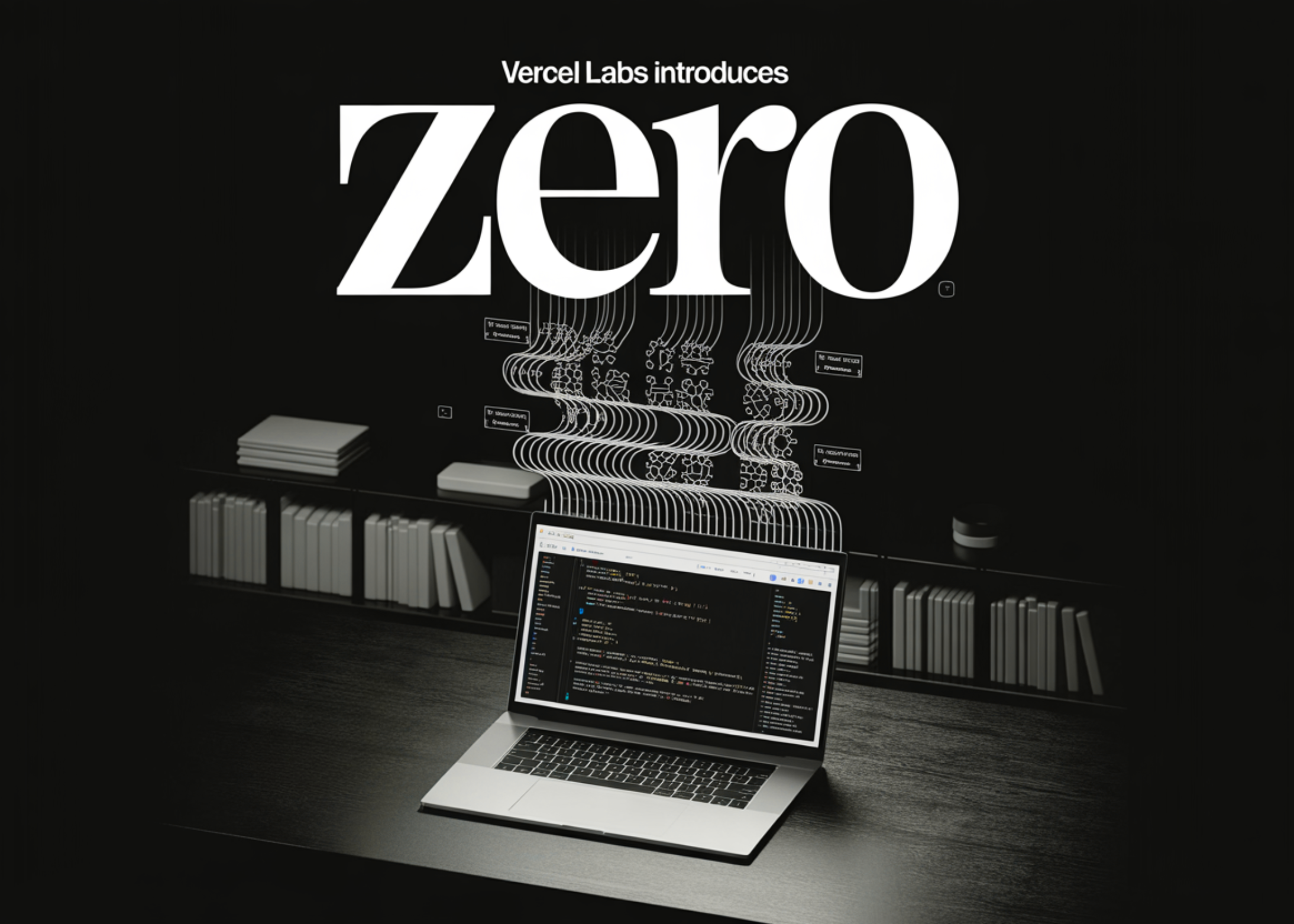
Most programming languages were designed for human developers who can interpret errors and debug manually. But AI agents struggle with unstructured text. Enter Zero, an experimental systems language from Vercel Labs, built from the ground up to make agent-driven development seamless. Below, we answer common questions about how Zero works and why it matters.
What is Zero, and how does it differ from C or Rust?
Zero is a systems programming language that compiles to native executables and gives you explicit memory control, similar to C or Rust. However, its standout feature is that its compiler output and toolchain are designed primarily for AI agents, not just human engineers. While C and Rust emit error messages as unstructured text meant for human eyes, Zero’s CLI outputs structured JSON diagnostics by default. This means an agent can parse a predictable token like "code": "NAM003" and immediately know the error type and a suggested repair action, without needing to interpret verbose prose. The language itself sits in the same low-level design space but prioritizes machine-readability at every step.
Why was Zero created specifically for AI agents?
Traditional development loops with coding agents are fragile. An agent writes code, the compiler emits an error as unstructured text, and the agent has to parse that text to understand what went wrong and how to fix it. But error message formats change, messages are written for humans, and there's no built-in concept of a 'repair action.' Zero closes this gap by providing a standardized, machine-parseable interface. Every diagnostic carries a stable code, a human-readable message, and a repair object with a typed ID (e.g., "repair": { "id": "declare-missing-symbol" }). This lets agents focus on acting rather than guessing, dramatically improving reliability in autonomous code repair.
How does Zero's CLI provide structured feedback for agents?
Zero's CLI unifies all subcommands into a single binary—zero check, zero run, zero build, and more. By default, the check command outputs structured JSON when run with --json. For example: {"ok": false, "diagnostics": [{"code": "NAM003", "message": "unknown identifier", "line": 3, "repair": {"id": "declare-missing-symbol"}}]}. Each diagnostic includes a stable error code, a line reference, and a repair object. This means agents don't need to parse prose documentation or infer fixes from human-oriented messages. The same CLI command surfaces both human-readable and machine-readable output—no separate mode or secondary tool. This design reduces complexity for agentic workflows.
What are the key subcommands in Zero's toolchain?
Zero's toolchain includes several subcommands, all accessible from a single binary: check, run, build, graph, size, routes, skills, explain, fix, and doctor. This unification matters because agents don't have to reason about which tool to invoke for a given task—they just call zero with the appropriate subcommand. Two subcommands are especially relevant to the repair loop: zero explain returns a detailed explanation of a diagnostic code, and zero fix --plan --json emits a structured fix plan—a machine-readable description of what changes to resolve the issue. The zero skills command provides version-matched agent guidance directly through the CLI.
How do the 'explain' and 'fix' subcommands aid in the repair loop?
When an agent encounters a diagnostic like NAM003, it can immediately run zero explain NAM003 to get a detailed, structured explanation of the error. This eliminates the need to search through external documentation. For actual repairs, zero fix --plan --json goes a step further: it outputs a machine-readable plan describing exactly which code changes are needed to resolve the diagnostic. Instead of the agent inferring the fix from the error message, Zero provides a precise action plan. This makes agent-driven debugging more reliable and less brittle, as the repair logic is encoded directly in the toolchain rather than left to chance.
What is the purpose of the 'zero skills' subcommand?
The zero skills subcommand serves as a built-in agent guidance system. By running zero skills get zero --full, agents receive version-matched workflows covering Zero syntax, diagnostics, builds, and packages. This is especially valuable because it ensures that the guidance is always up-to-date with the current compiler version—no stale documentation or external tutorials to rely on. The output is focused and concise, giving agents exactly what they need to work with the language effectively. This further reduces the cognitive load on AI agents and speeds up development cycles.
Related Articles
- Mastering GDB Source-Tracking Breakpoints: Your Questions Answered
- Unlocking AI-Assisted Python Development: A Guide to OpenCode
- 5 Essential Enhancements in the Python VS Code November 2025 Release
- Strengthening Python Security: Inside the Python Security Response Team and How to Join
- WebAssembly JavaScript Promise Integration (JSPI) Enters Origin Trial Phase
- Python 3.15 Alpha 6: A Sneak Peek at Next-Generation Features and Performance Boosts
- Modernizing Go Codebases with the Enhanced go fix Command
- Empower Your AI Agent to Autonomously Deploy Cloud Apps: A Step-by-Step Guide